Start Streaming
After you have setup your streaming server and added your domain to the MeGooLive Admin Dashboard, now you can start streaming from MeGooLive Flutter App.
Step 1: Start Live Streaming
-
Open MeGooLive Flutter App
-
Run the App on your Emulator or Device by pressing
F5, or commandflutter run. -
Click
Sing upbutton to create new Account.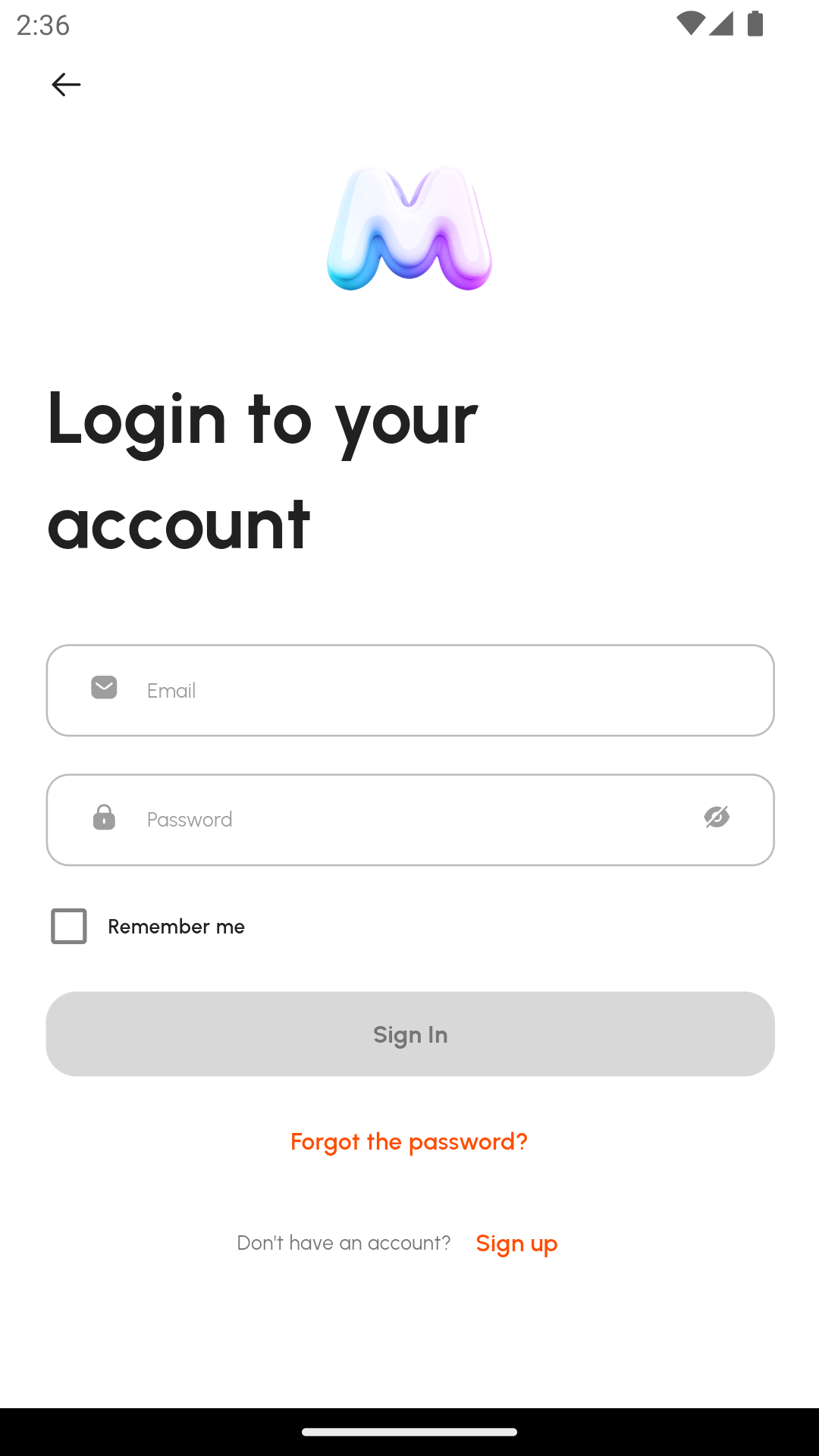
-
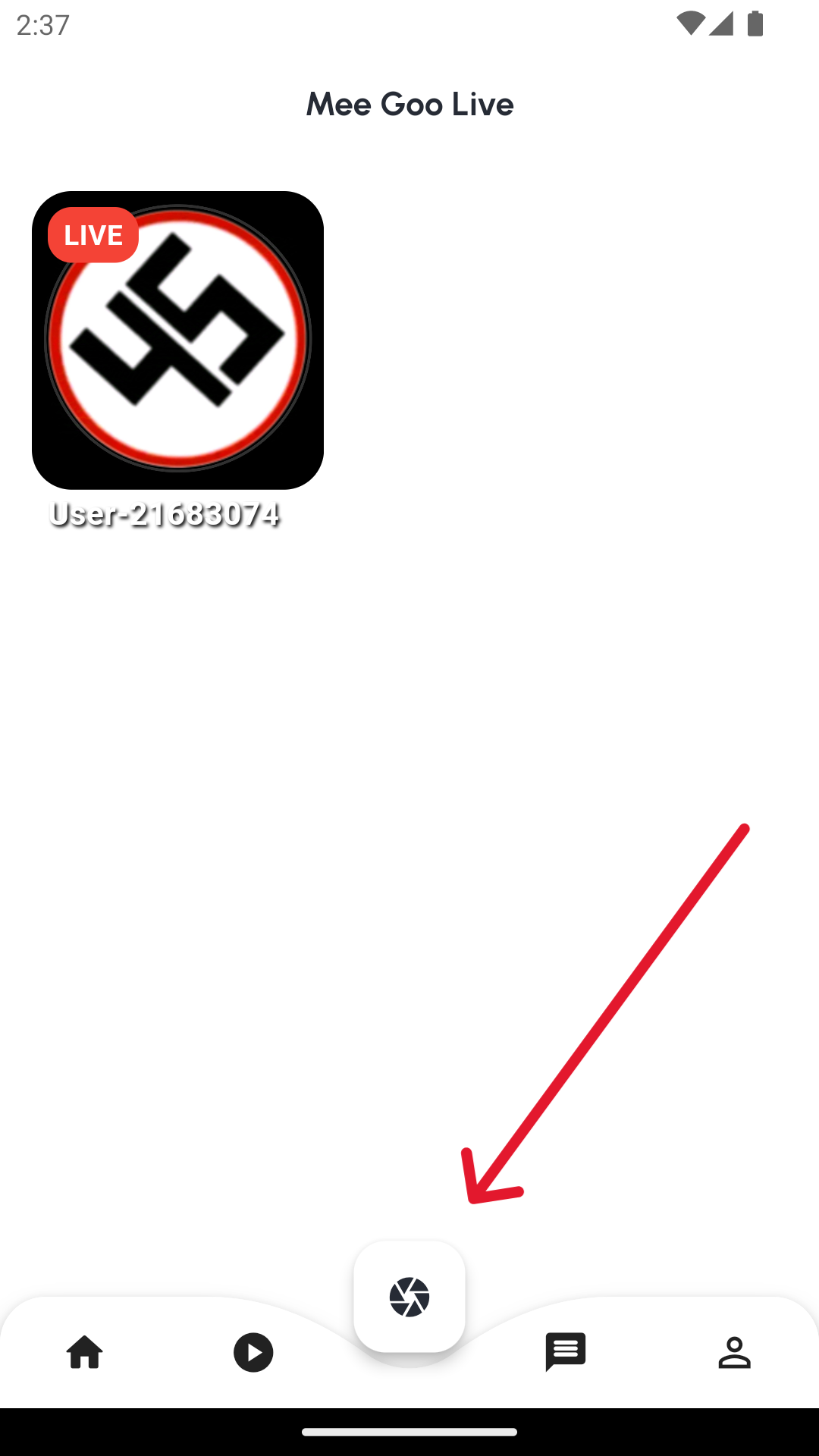
After Create Account, and login to your account, click the
Circle Buttonon the bottom center of the screen.
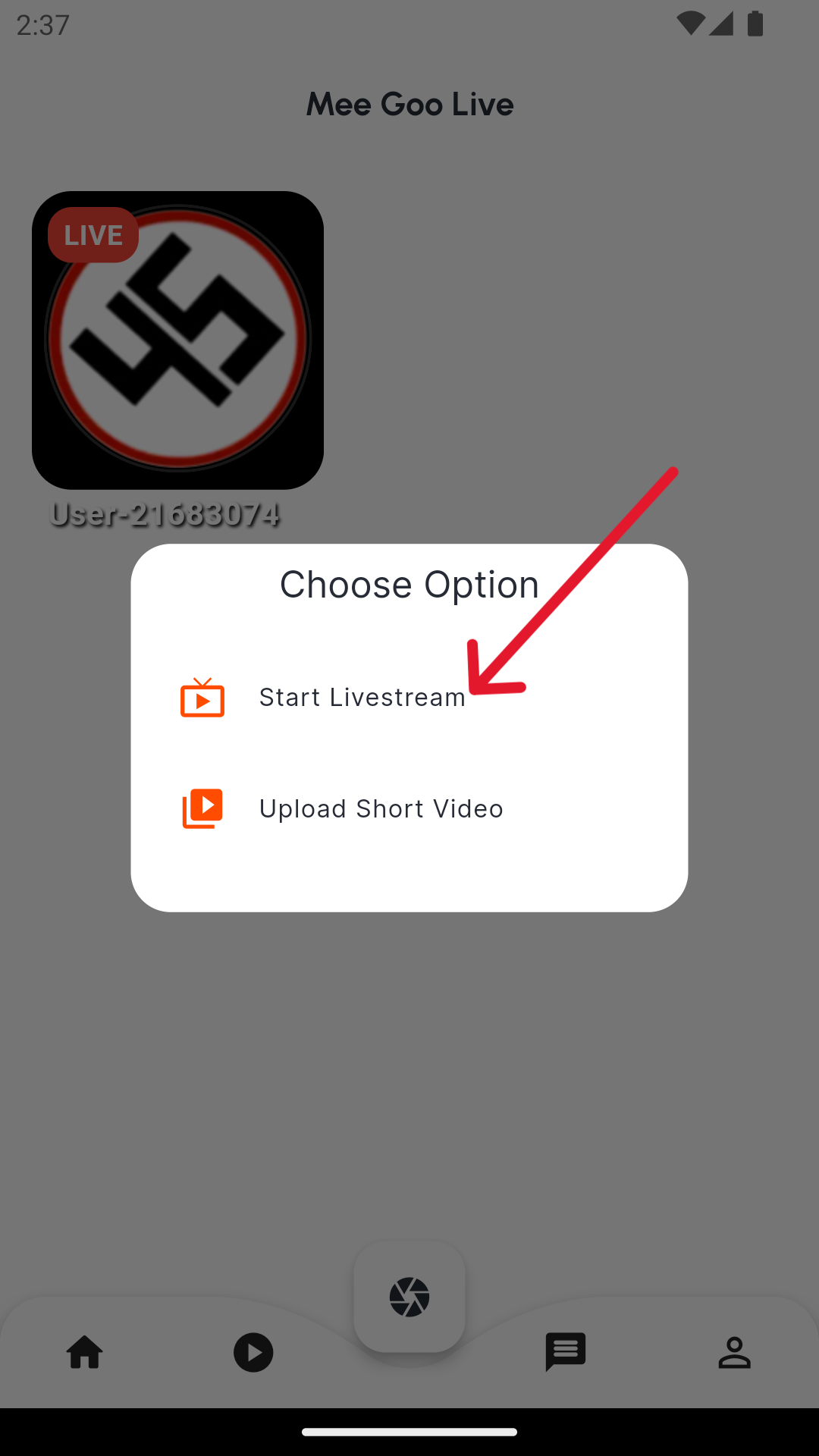
- Tap the
Start Livestreamto start live streaming.
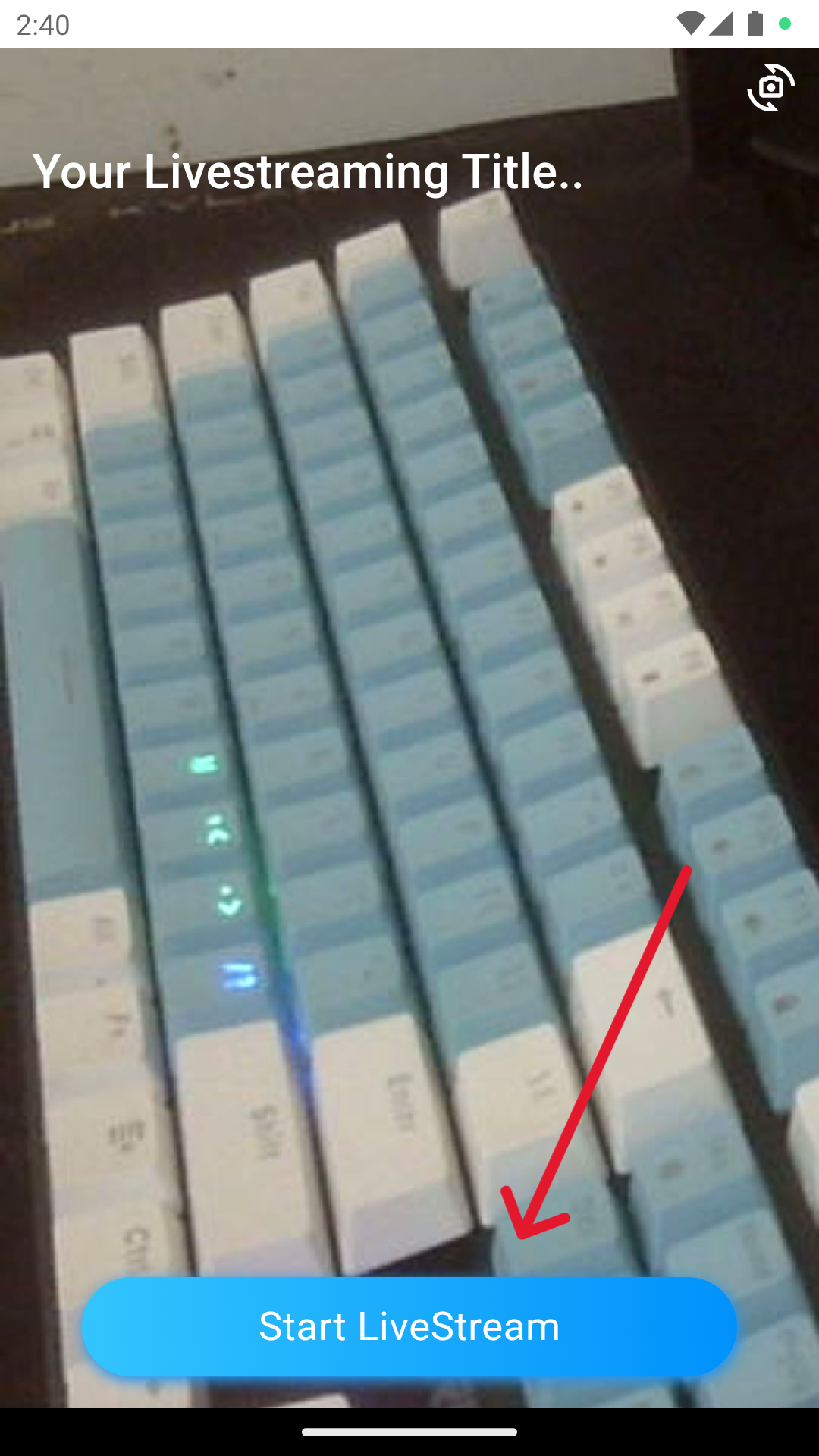
- After you tap the
Start Livestreambutton, you will see theLive Streamingscreen. - Now your streming will be shown to the MeGooLive Home Page
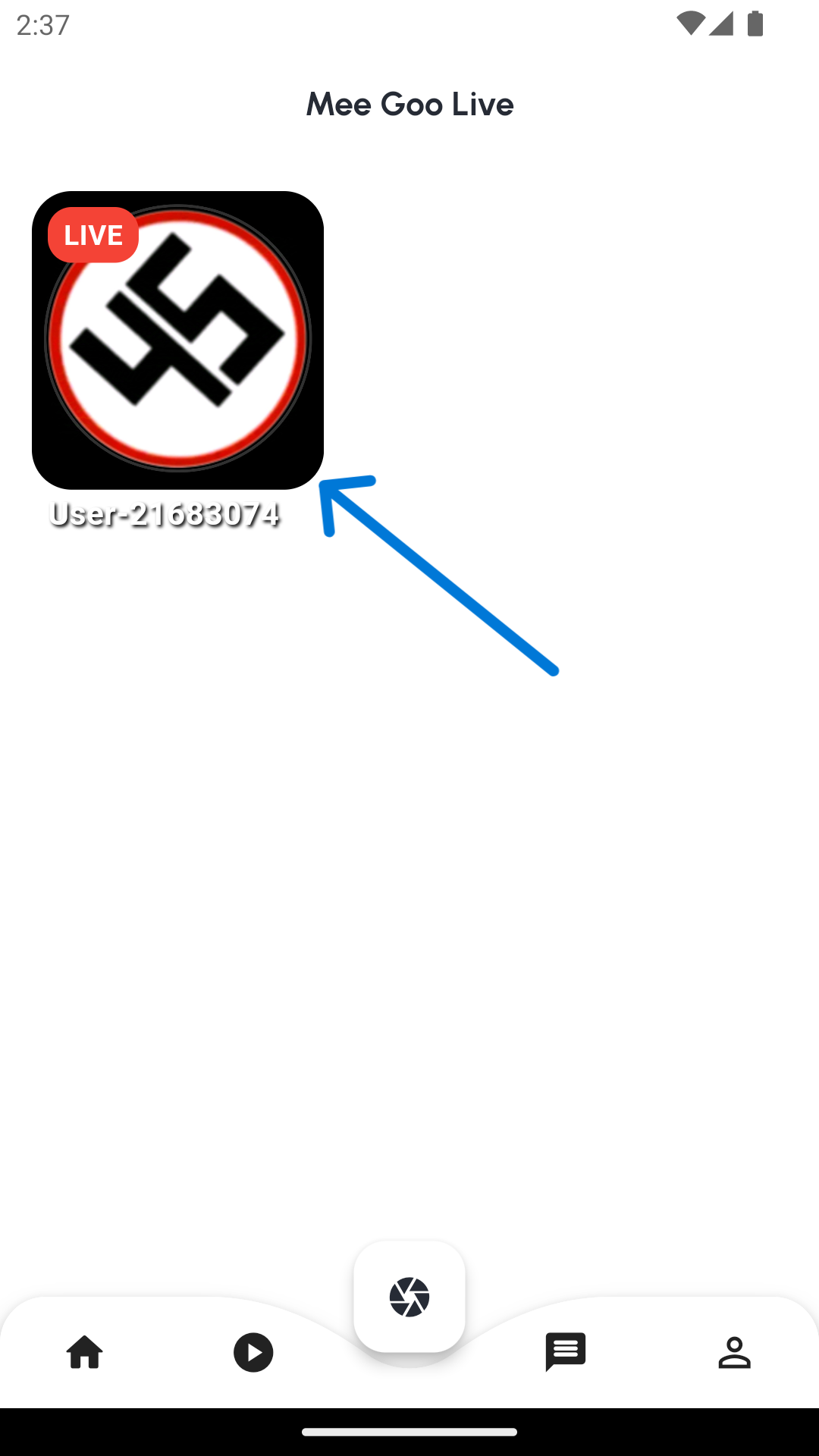
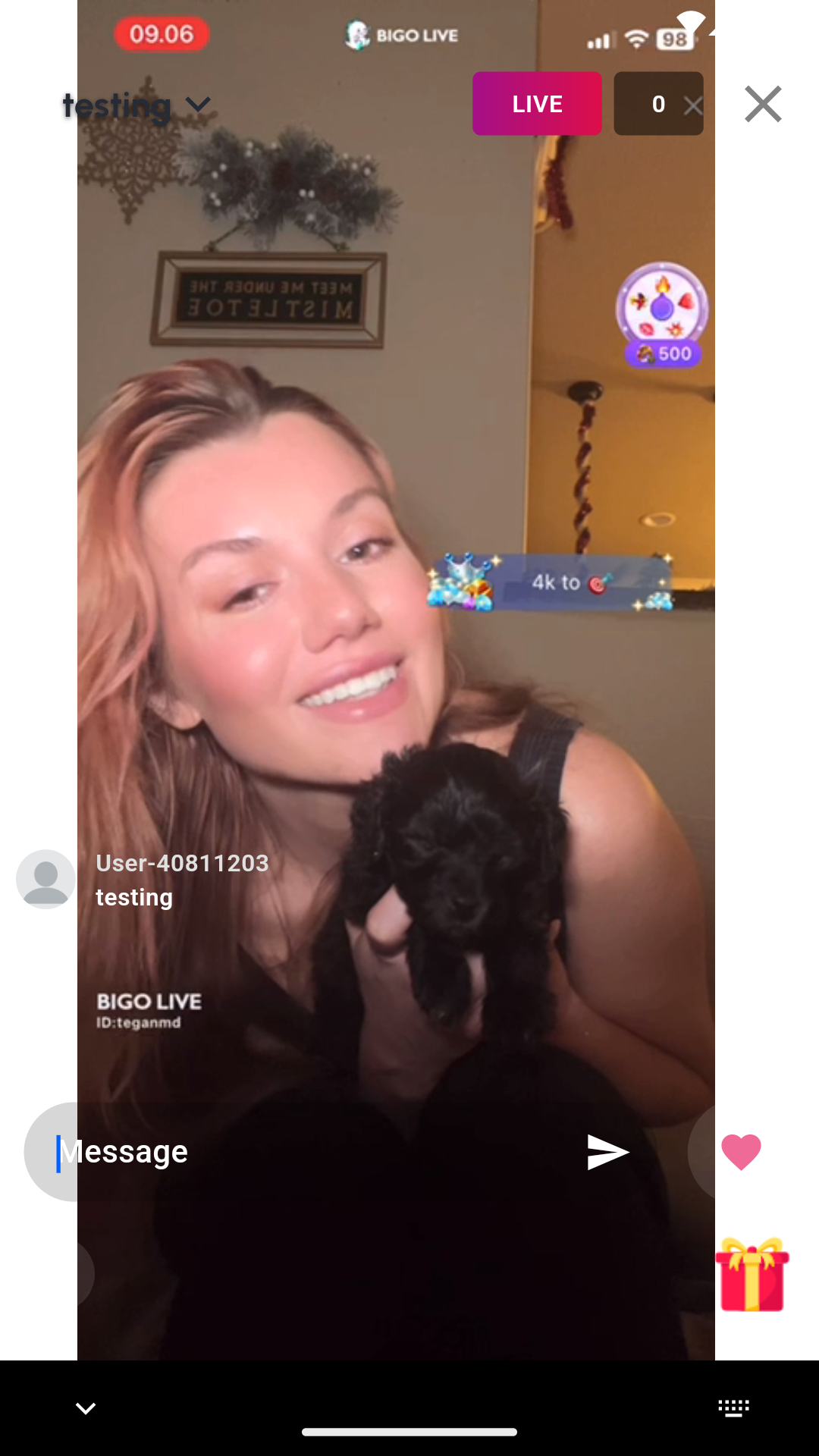
- The Viewer that watch your stream will have a few features, such as:
ChatSend GiftLikeShare
- Next After your Streaming is Success, we will create the
Custom Gift Animationfor your stream.