Use the Server
After we have setup our server, and it's ready to use, now we need to add our domain to the MeGooLive Admin Dashboard.
- Open your Admin Dashboard, go to
Settingsand click TabStreamings - Fill the
Streaming Serverwith your domain name - Fill the
RTMP Serverwith formatrtmp://your-domain.com/live - Fill the
Viewer Count Websocket URLwith formatwss://your-domain.com/ws
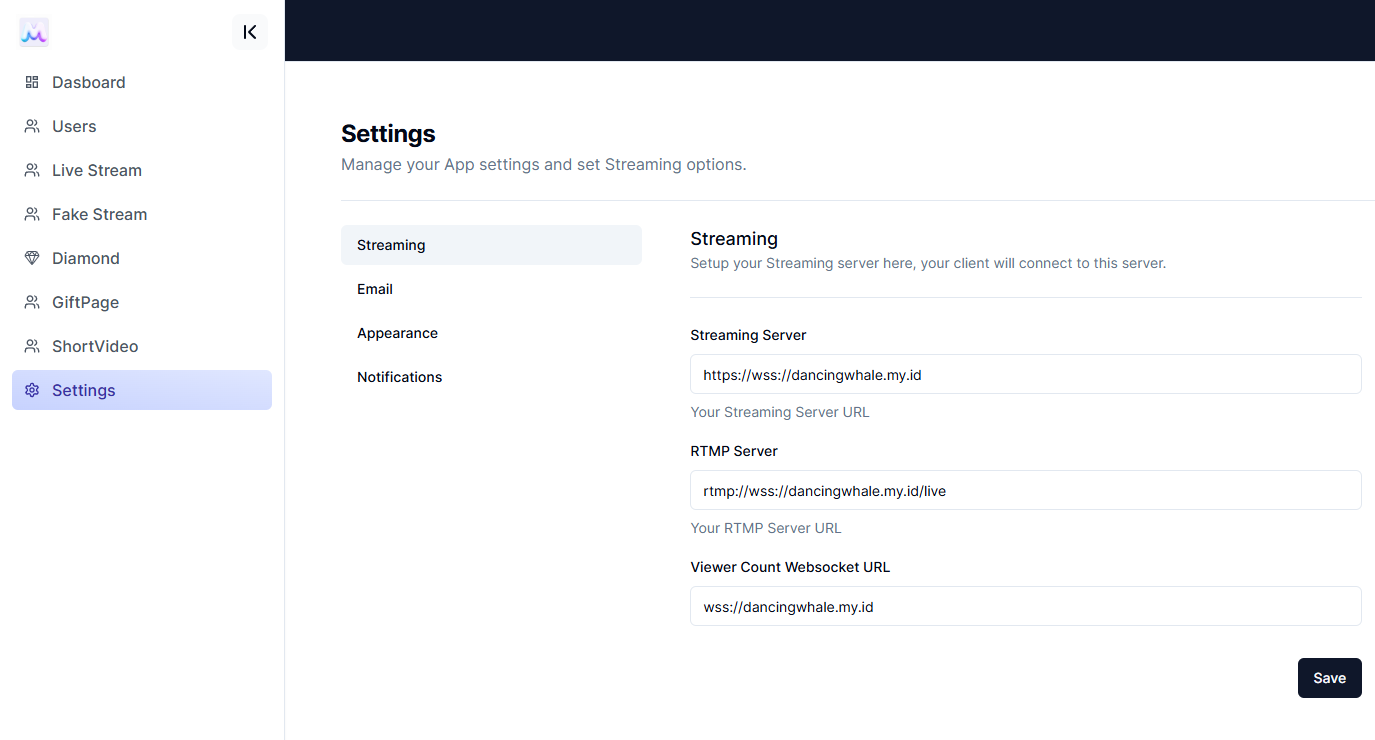
- Click
Saveto Save The Configuration
info
Congratulations! You have successfully setup your streaming server and added your domain to the MeGooLive Admin Dashboard. Now you can start streaming from MeGooLive Flutter App.