Use SVGA Animation
After you Create the SVGA Animation, or Purchase the SVGA Animation, you will need to upload it to the Admin Dashboard, and then you can use it in the MeGooLive Flutter App
Upload SVGA Animation to Admin Dashboard
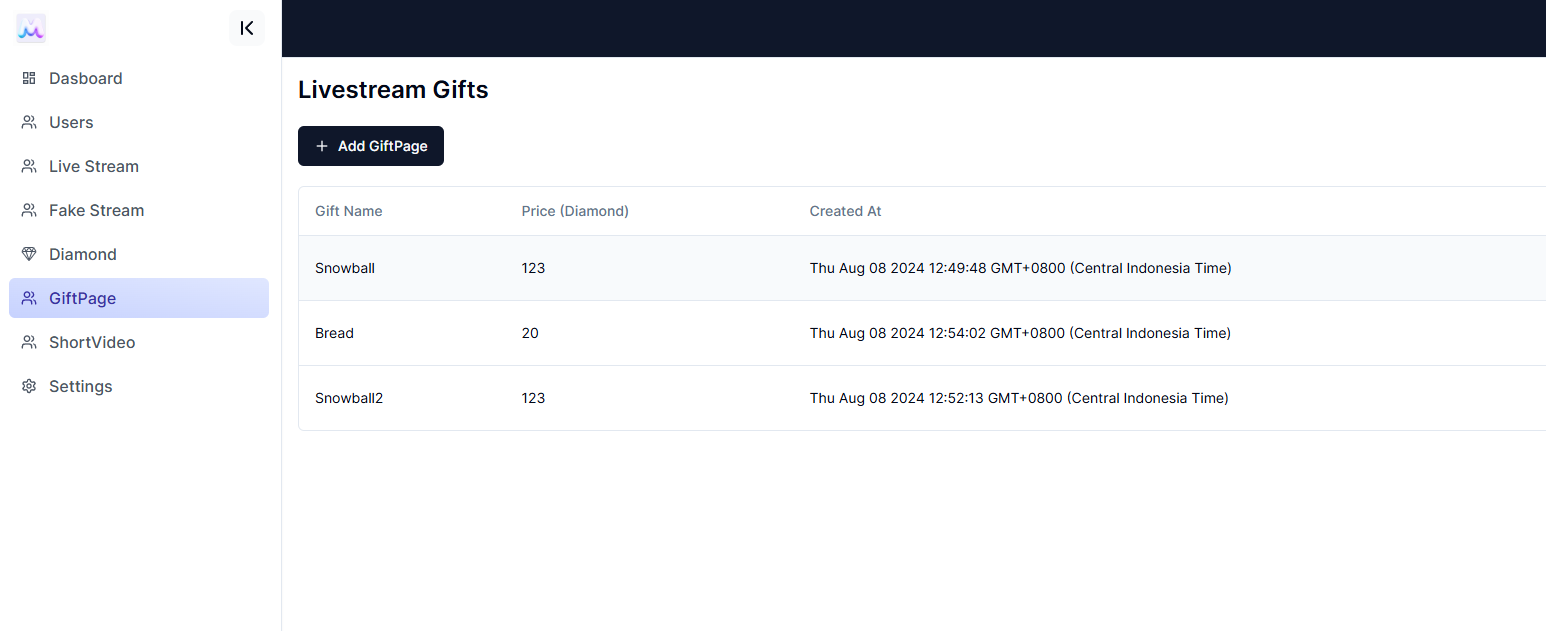
- Open the Admin Dashboard, and then goto
GiftPage->AddGiftPage
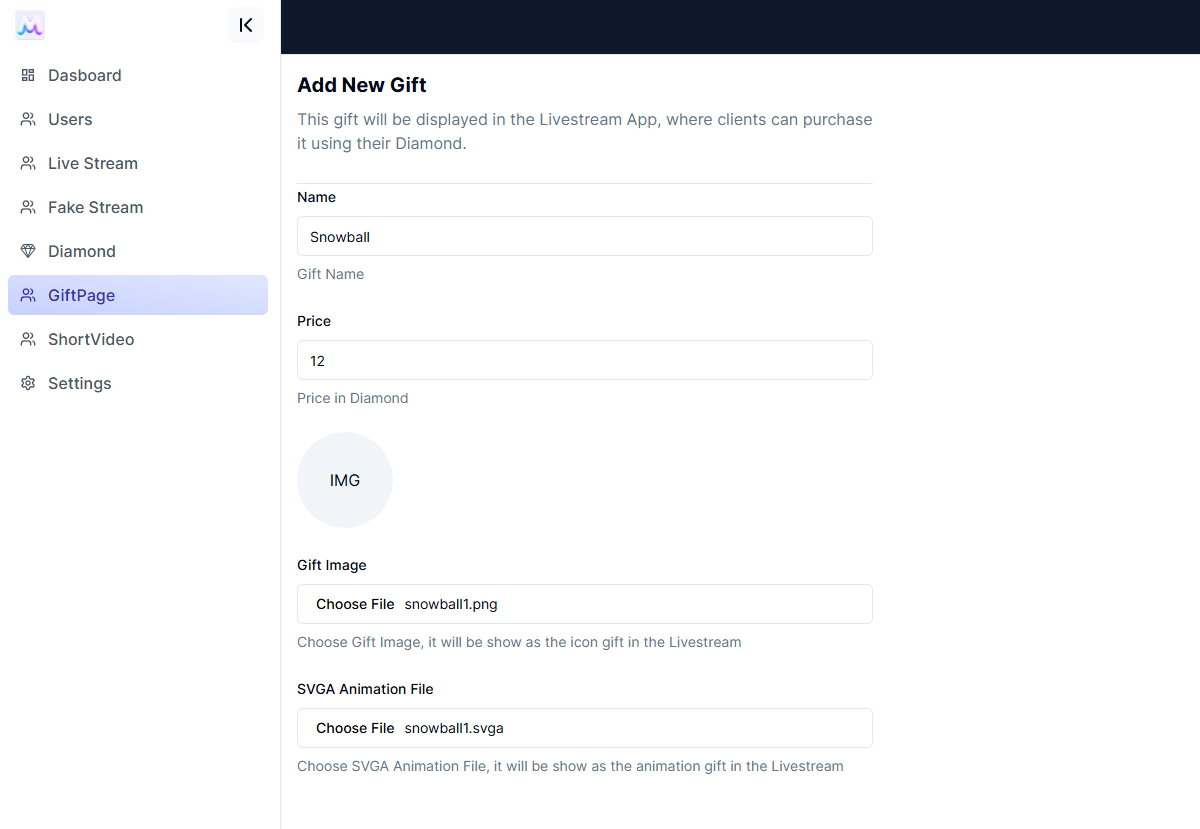
- Fill the name, diamond price and icon of the gift, and in SVGA file section choose the SVGA file that you want to use
-
It will show the preview of the SVGA Animation, and then you can click the
Savebutton to save the gift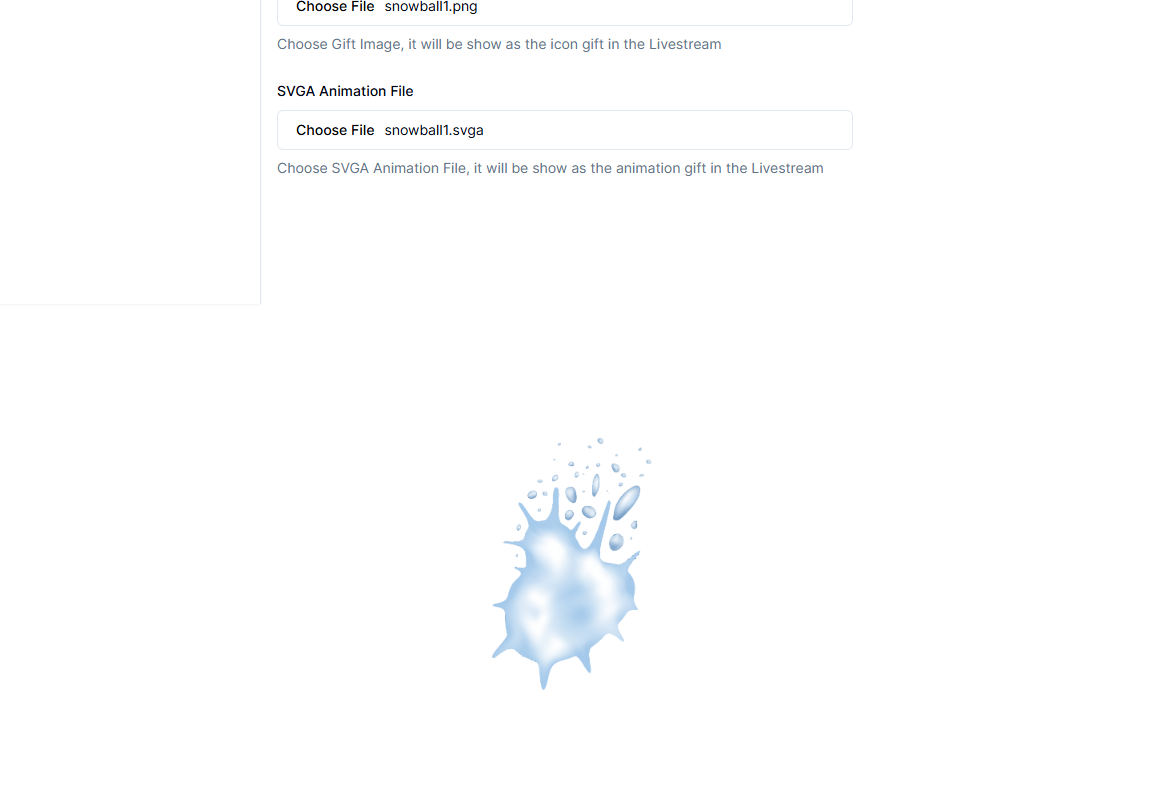
-
Now your livestreaming SVGA will be available in the MeGooLive Flutter App, and all of your viewers will be able to purchase and use it in the App.