Enable Firebase Feature
after we add our app in firebase and put the google-service.json file into our project, we need to enable some firebase features that our app uses, first is the authentication feature, so that our app can register a new account and also login
1. Enable Firebase Authentication
- in Firebase Dashboard, click
Authentication->Sign in Method->Email/Password
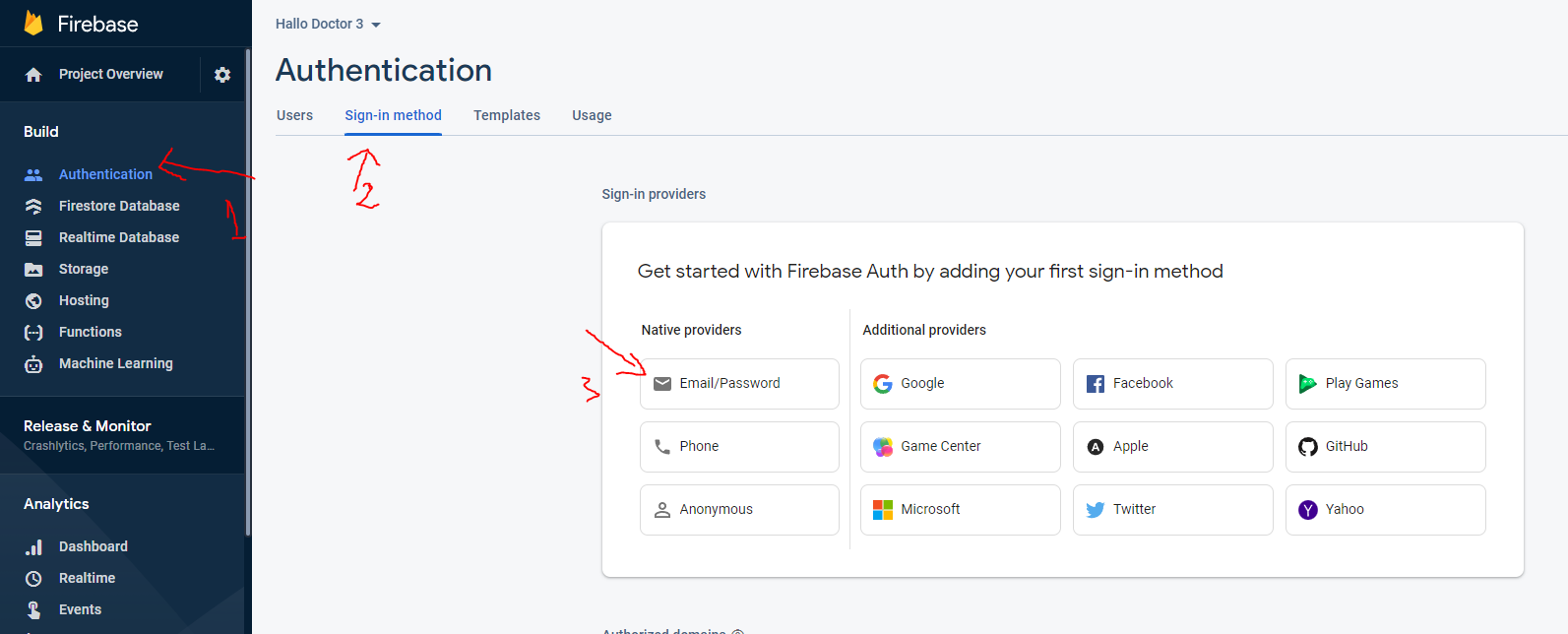
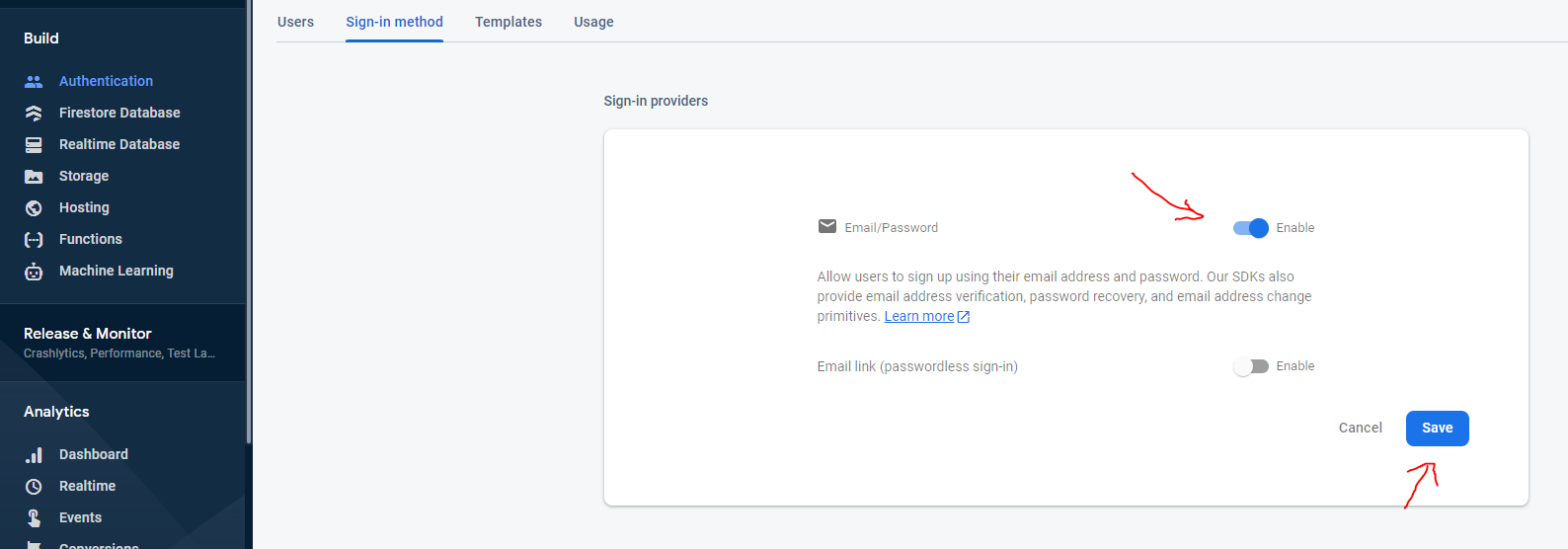
- and then enable email, and click
save
2. Enable Firebase Firestore
we also need to enable Firebase Firestore, so we can save our app data in firebase
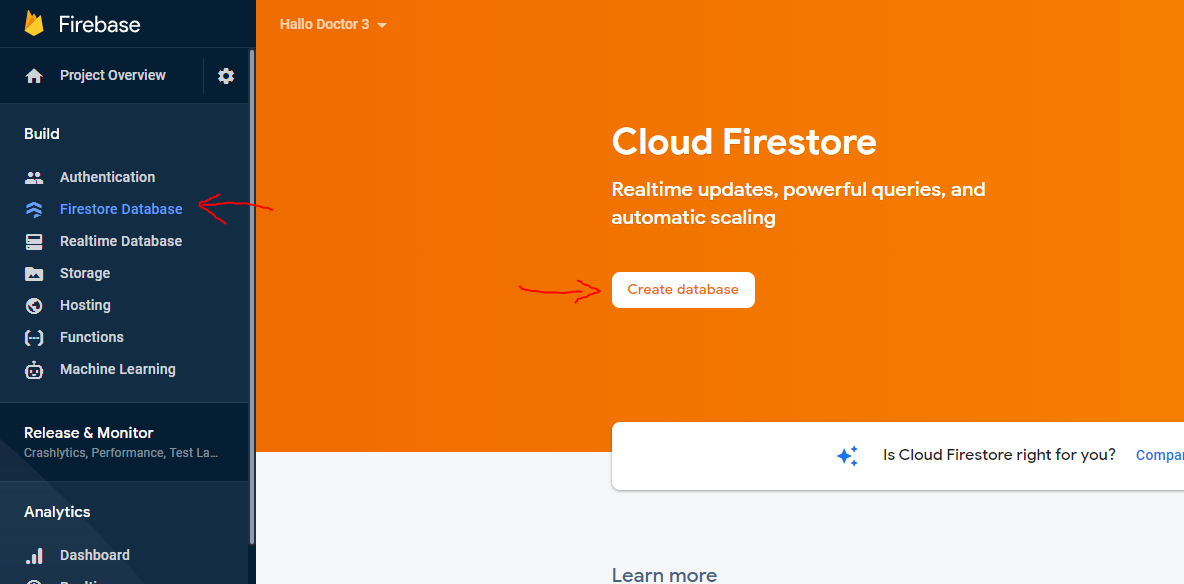
- click
Firestore Database->Create Database
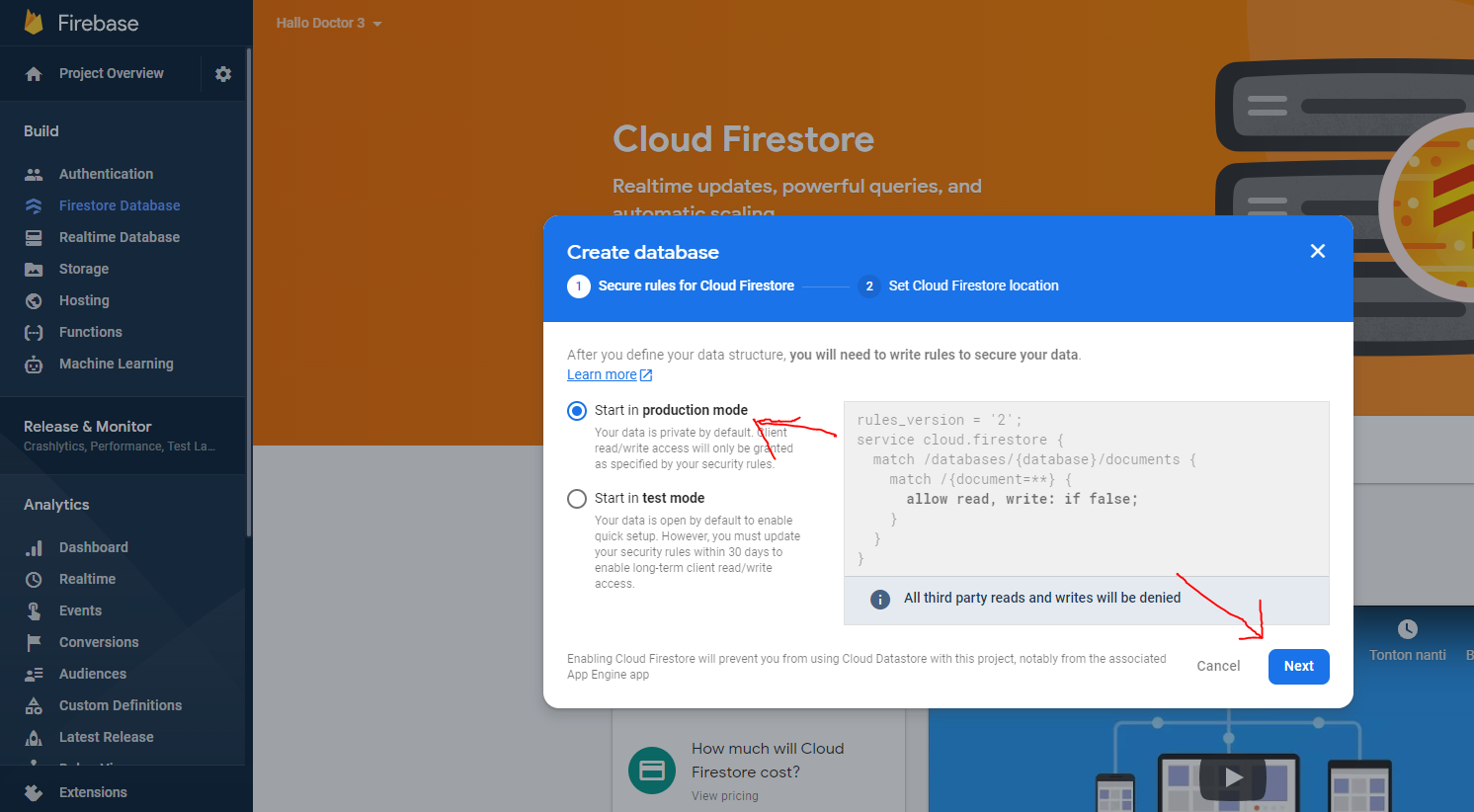
- and chose
Start in Production Mode-> and then clickNext
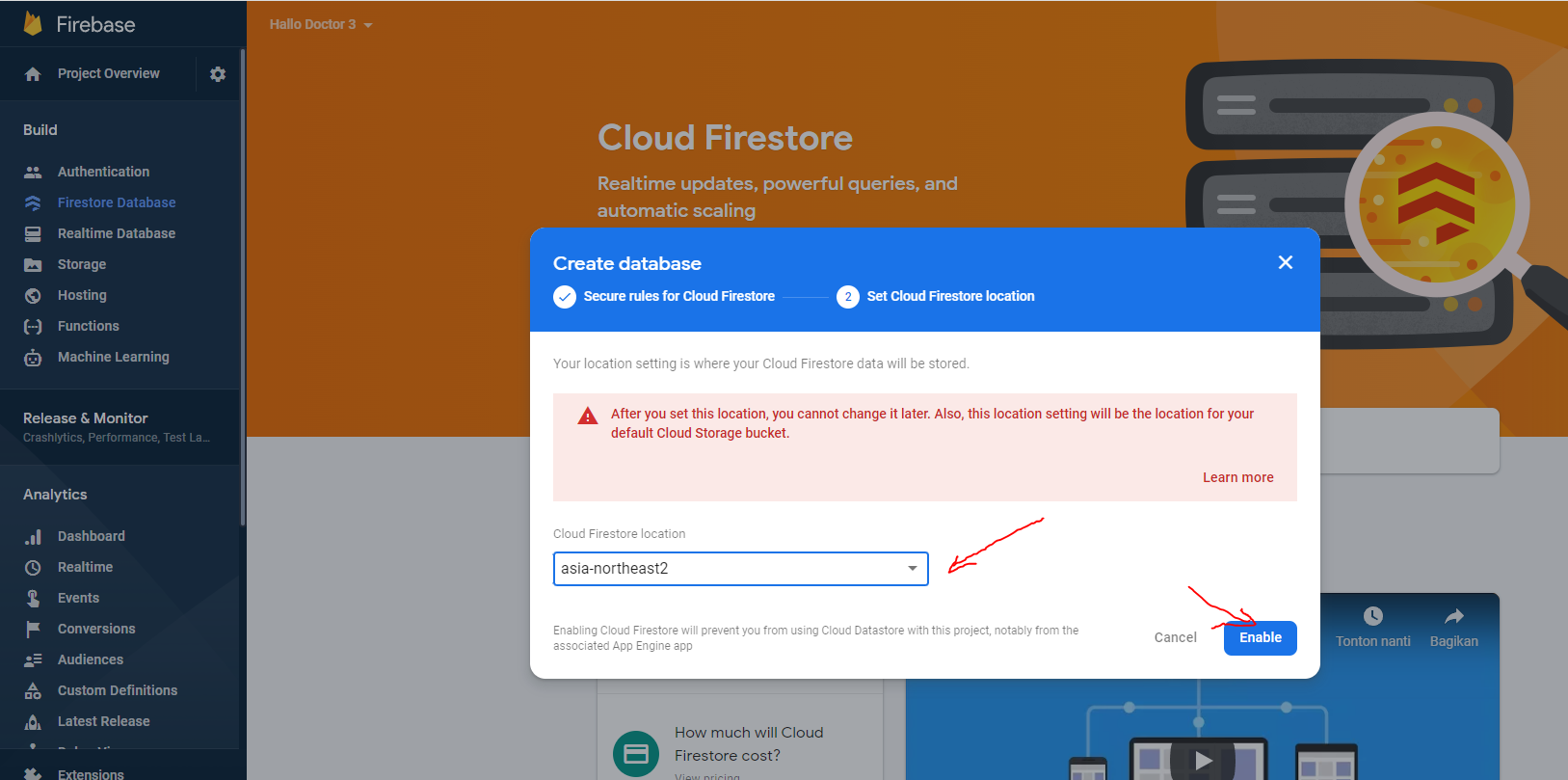
- and then chose datacenter near you, and click
Enable
3. Enable Firebase Functions
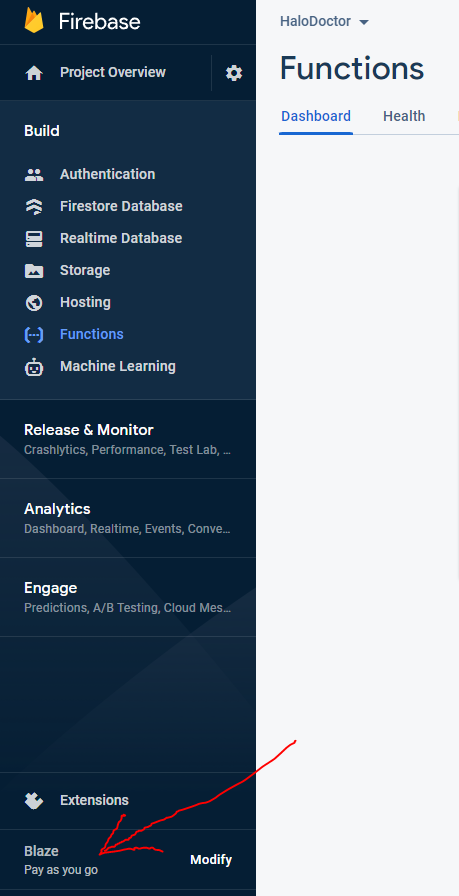
we also need to enable Firebase Firestore, but to activate the firebase function, we are required to upgrade our project to the Blaze Plan
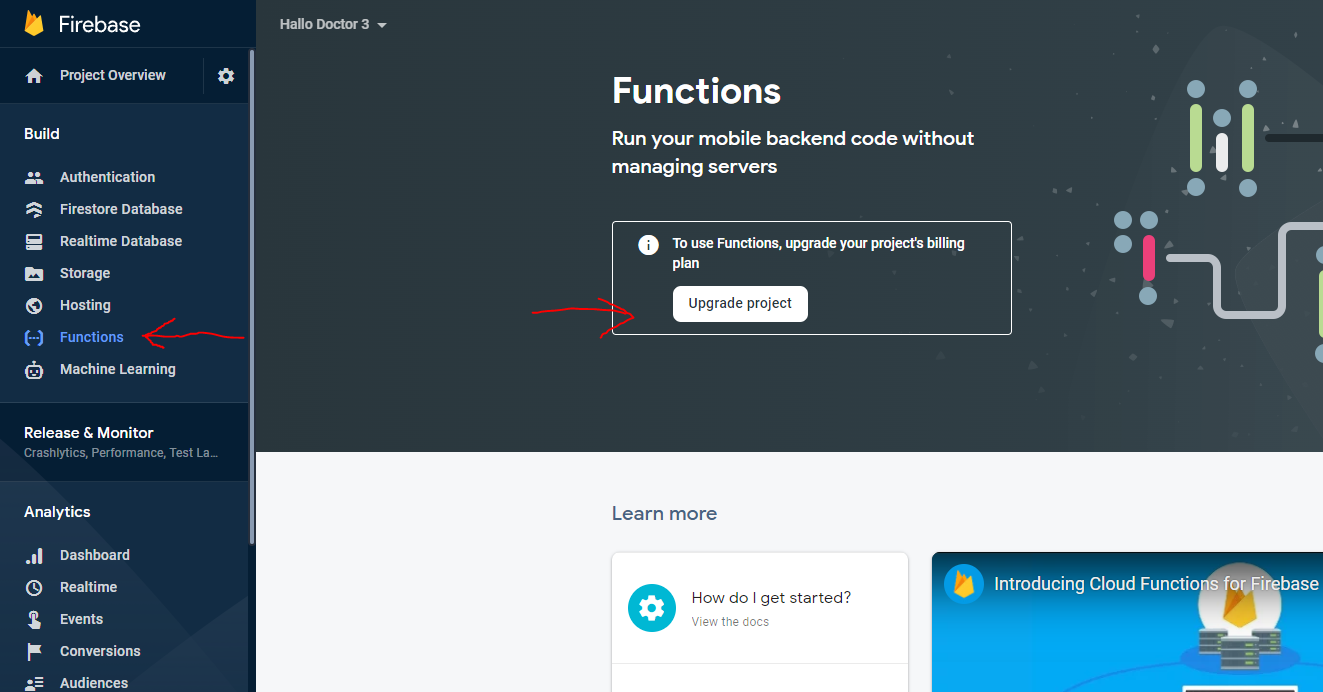
- Click
Functionand clickUpgrade Project
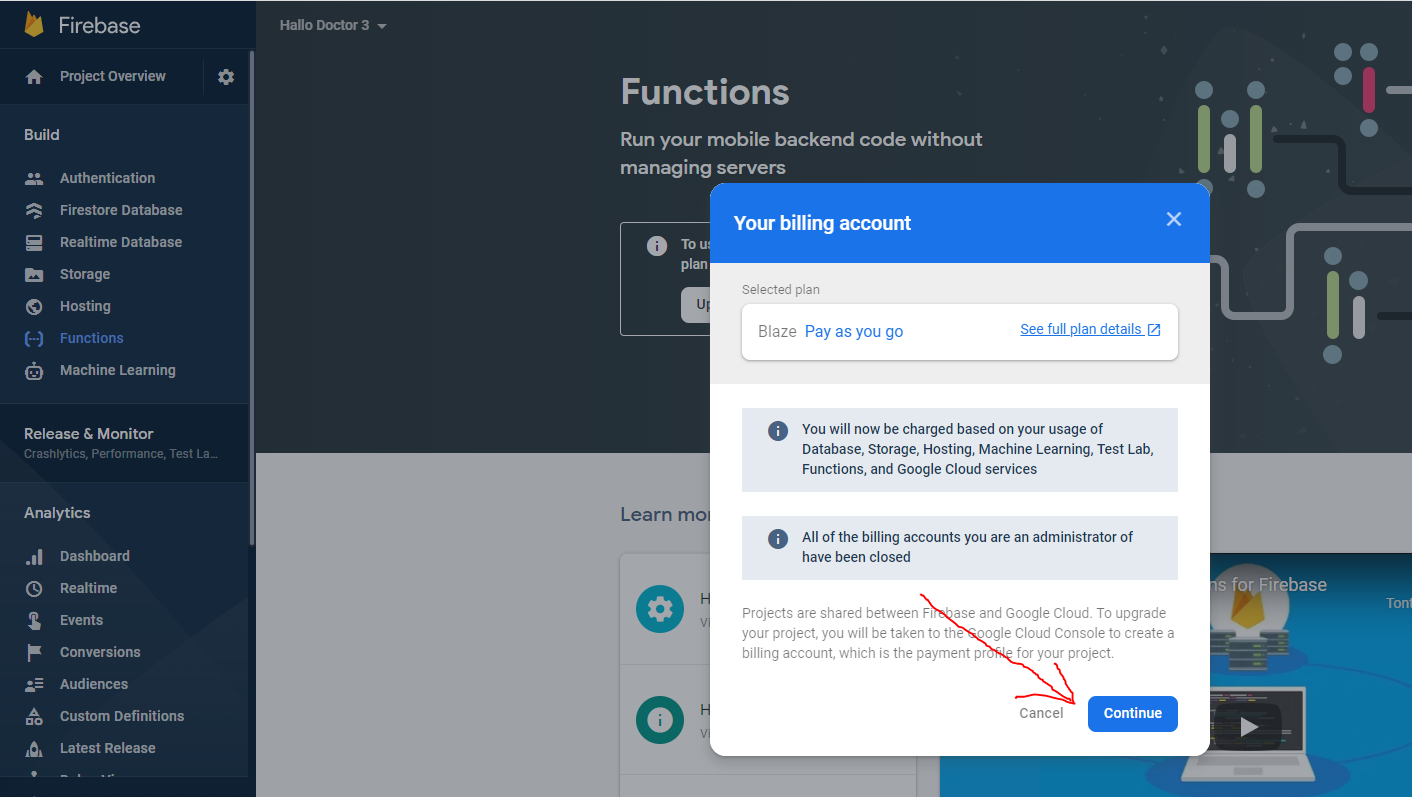
- Click
Continue
- and here you are required to enter payment information, but don't worry you will not be charged a fee, as long as your resource usage is still within the limits set by firebase here https://firebase.google.com/pricing
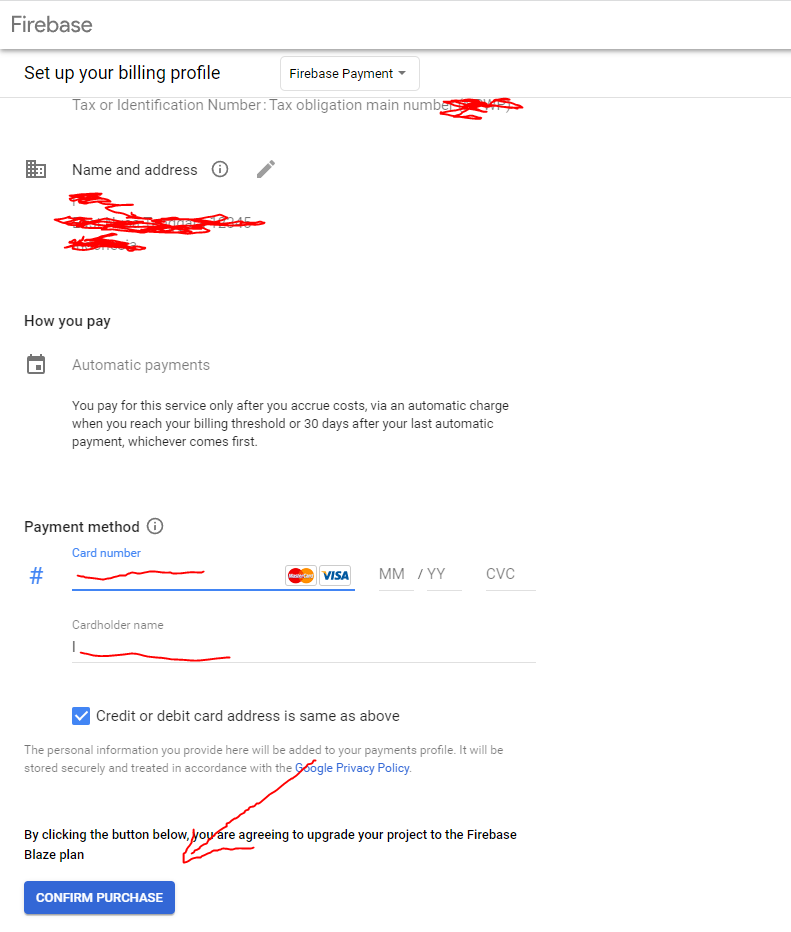
- After your blaze plan is active, your firebase function should also be active
4. Enable Firebase Realtime Database
We also need to enable Firebase Realtime Database, this feature is needed for Livestream presence if the host is suddently disconnected from the livestream, the stream will be automatically closed
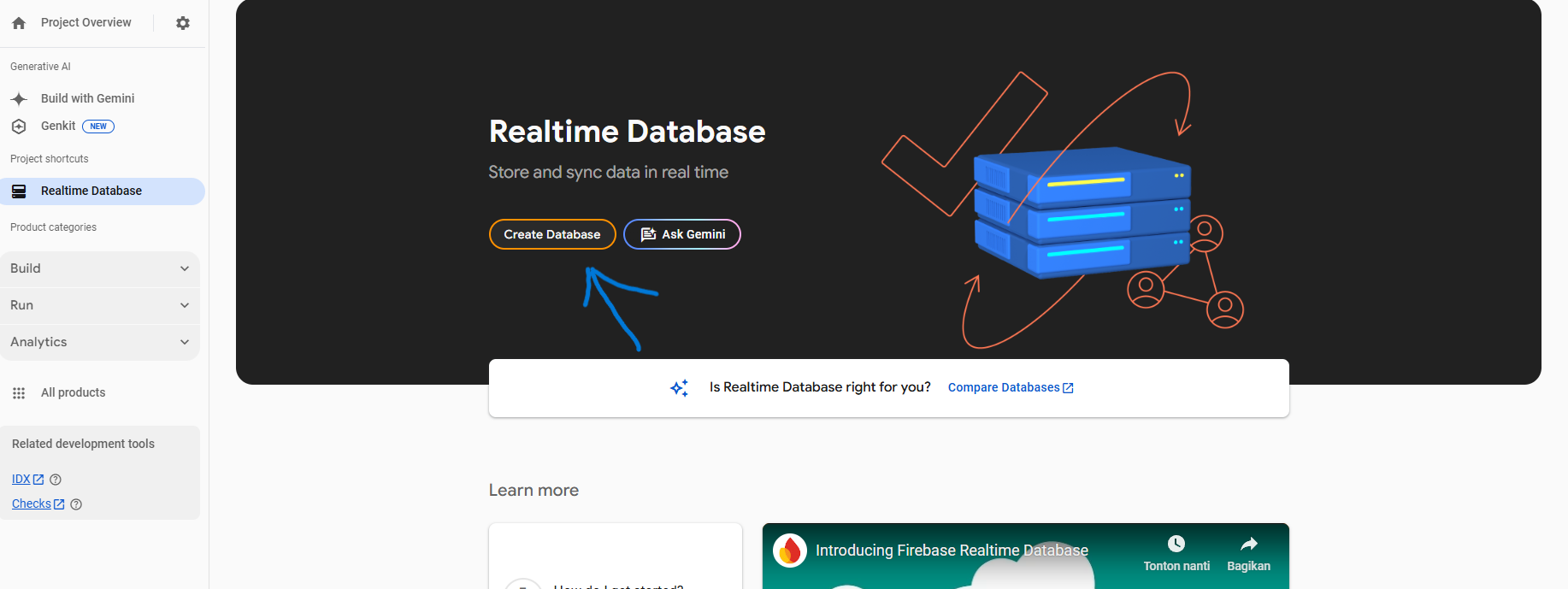
- click
Realtime Database->Create Database
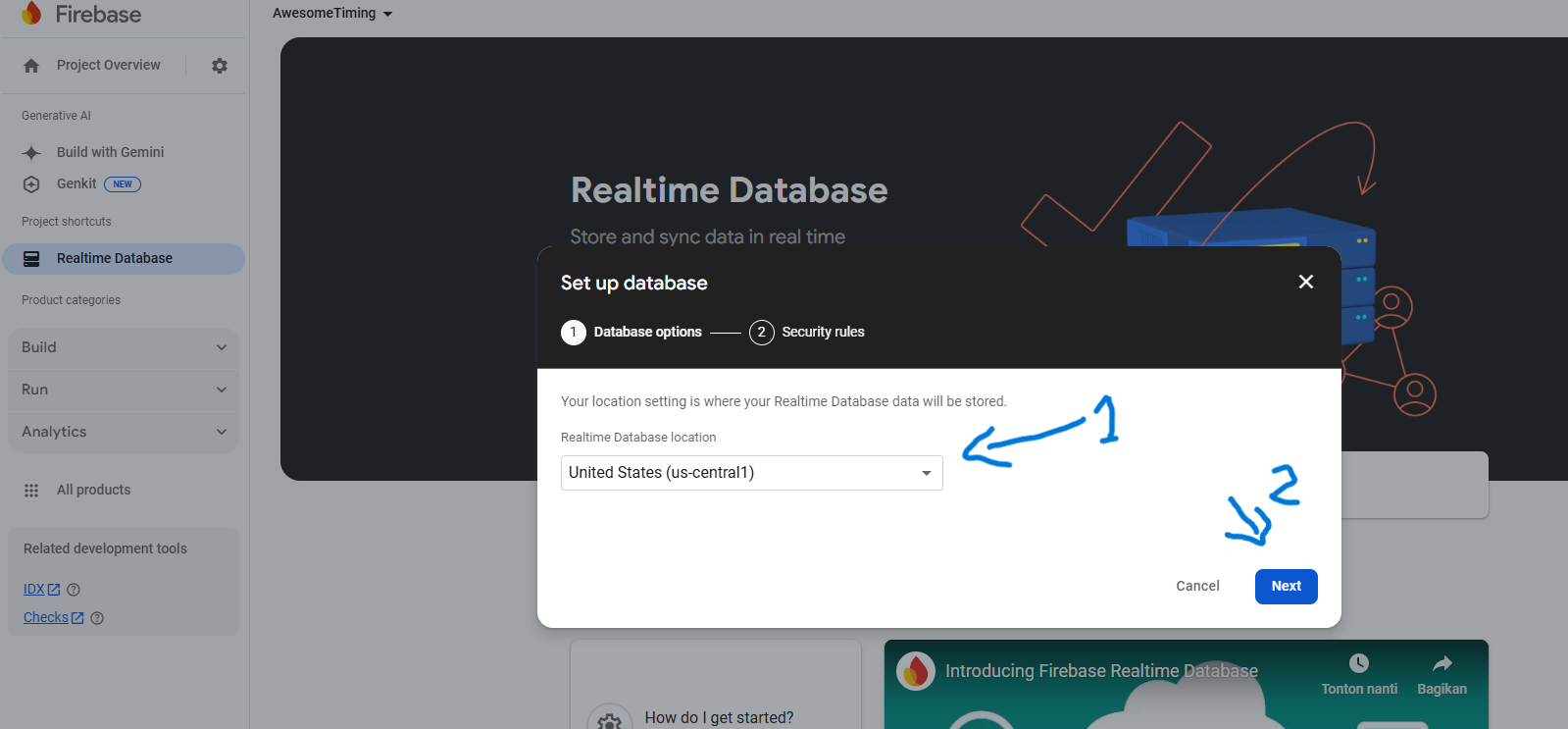
- Choose your database location, and click
Next
-
For this security rules, we will use test mode, so that we can test the database without any restrictions, later in production, you need to change this security rules to secure your databases, click
Enable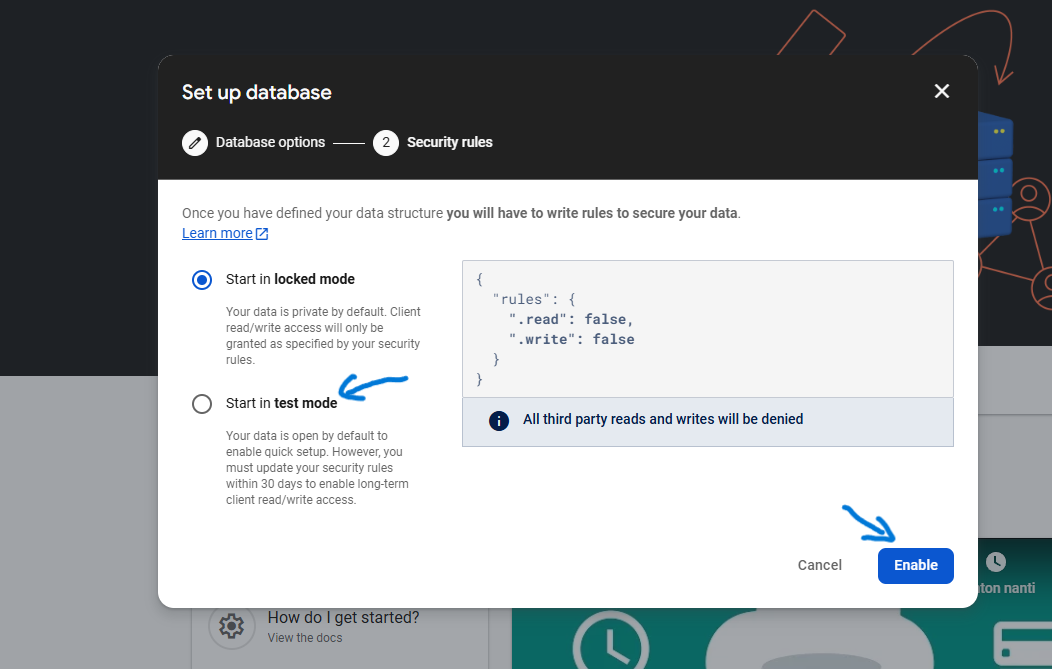
-
Okay, for now that's the only feature that must be activated in this Firebase panel, the rest will be activated when we deploy the Firebase Cloud