Create Droplet
A Droplet is a virtual machine (VM) in Digital Ocean's cloud infrastructure. Think of it as your own dedicated server that you can access and manage remotely. Here's what makes Droplets special:
What is a Droplet?
- Virtual Server: A Droplet is essentially a virtual server that runs on Digital Ocean's cloud infrastructure
- Scalable: You can easily scale up or down your Droplet's resources (CPU, RAM, Storage) as needed
- Cost-Effective: You only pay for what you use, with hourly or monthly billing options
- Pre-configured: Droplets come with various pre-configured operating systems and applications
- Full Root Access: You get complete control over your server environment
We will use a Droplet to host our Livestreaming Server.
Step No 1: Create a new Droplet
- Login to Digital Ocean
- Click on
Createat top Right of the page - Click on
Droplets - Click on
Create Droplet
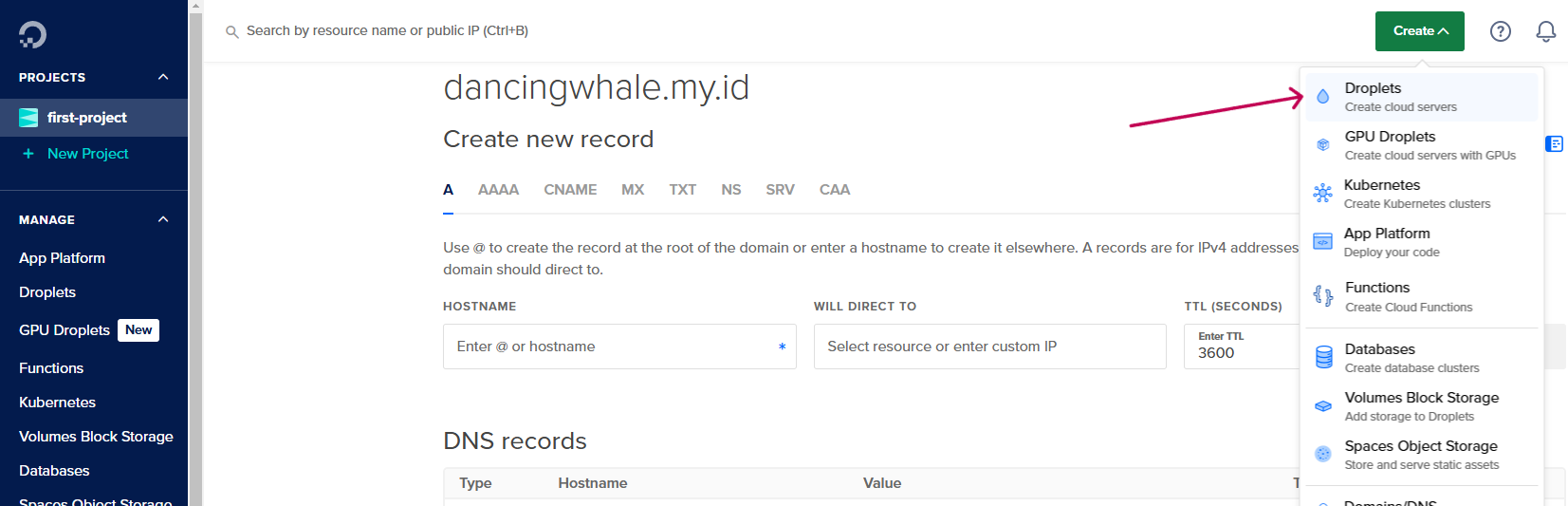
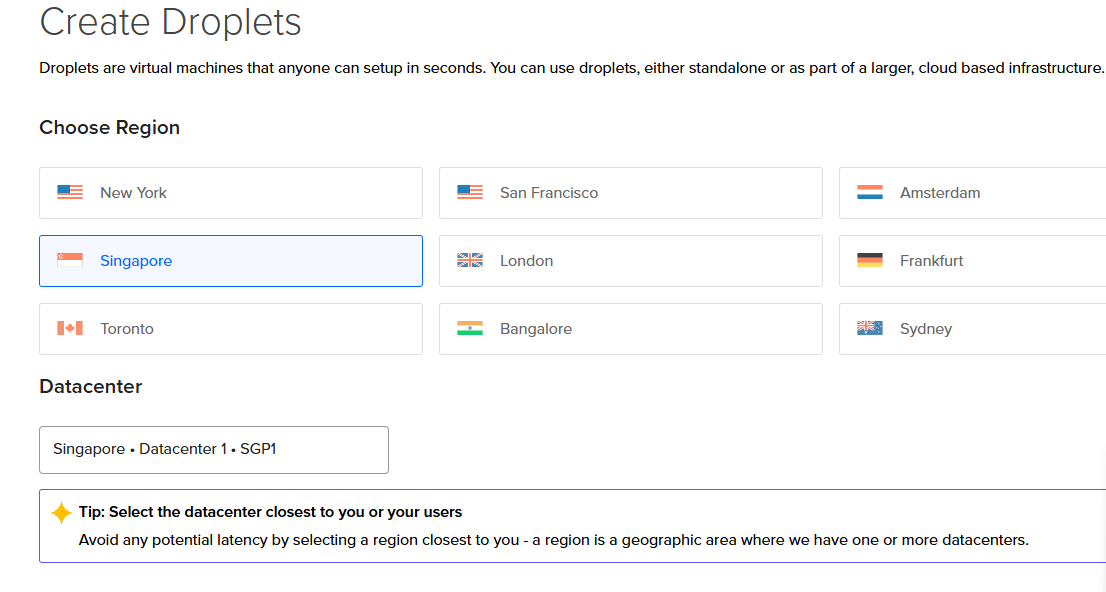
- Next Choose the region, choose the region that is closest to your user location, here i choose
Singapore
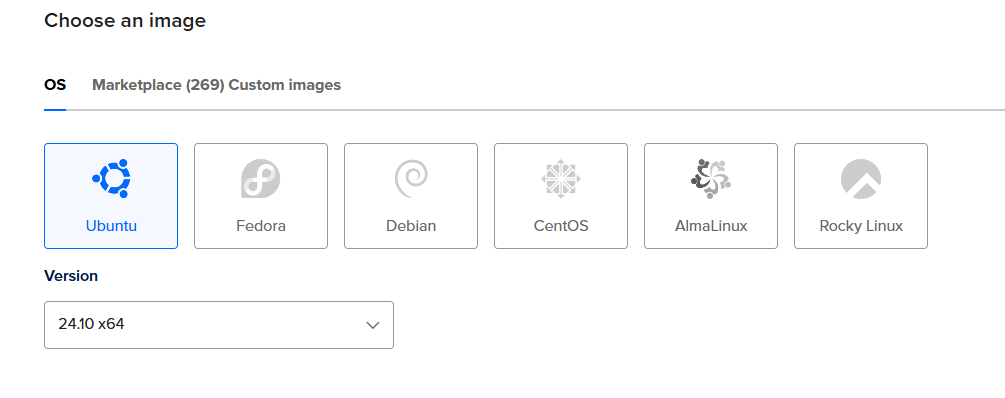
- Next Choose the image, or operating system that our server will install, here i choose
Ubuntu 24.10 x64
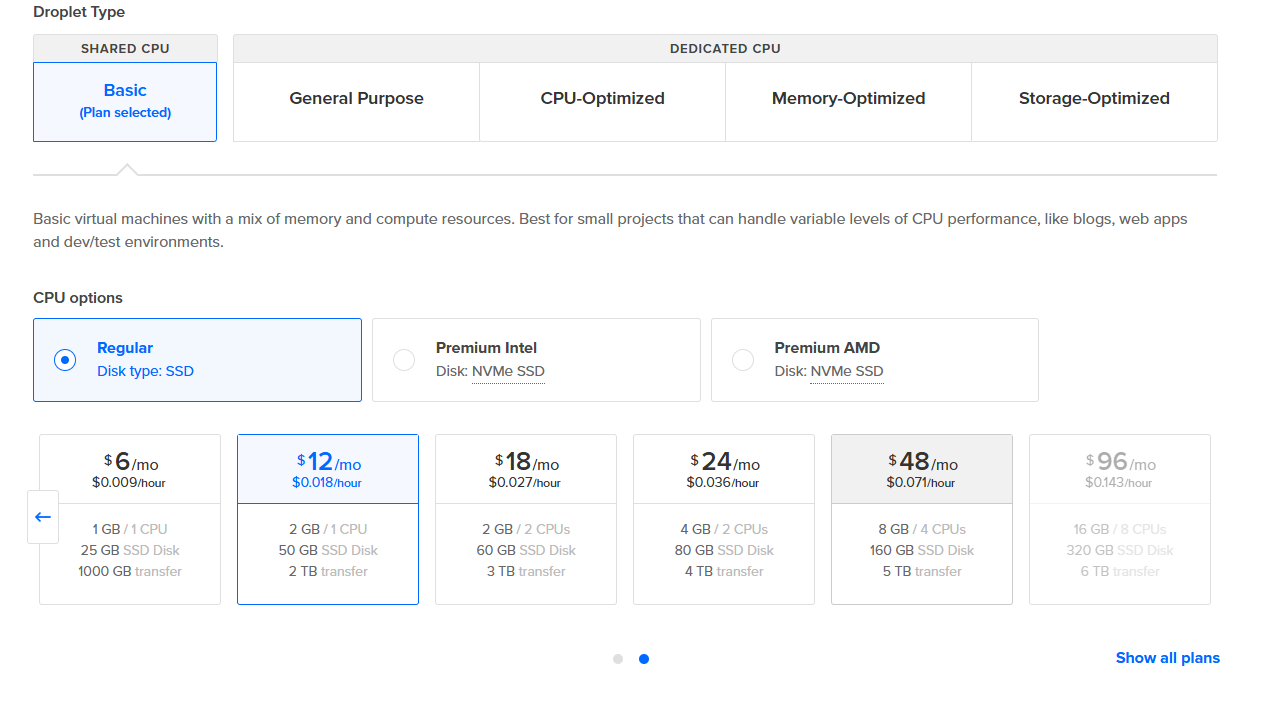
- Next Choose the Server Specification, choose the Droplet size that fits your need, here i choose
regularwith $12/month, you can upgrade the size later if you host more users.
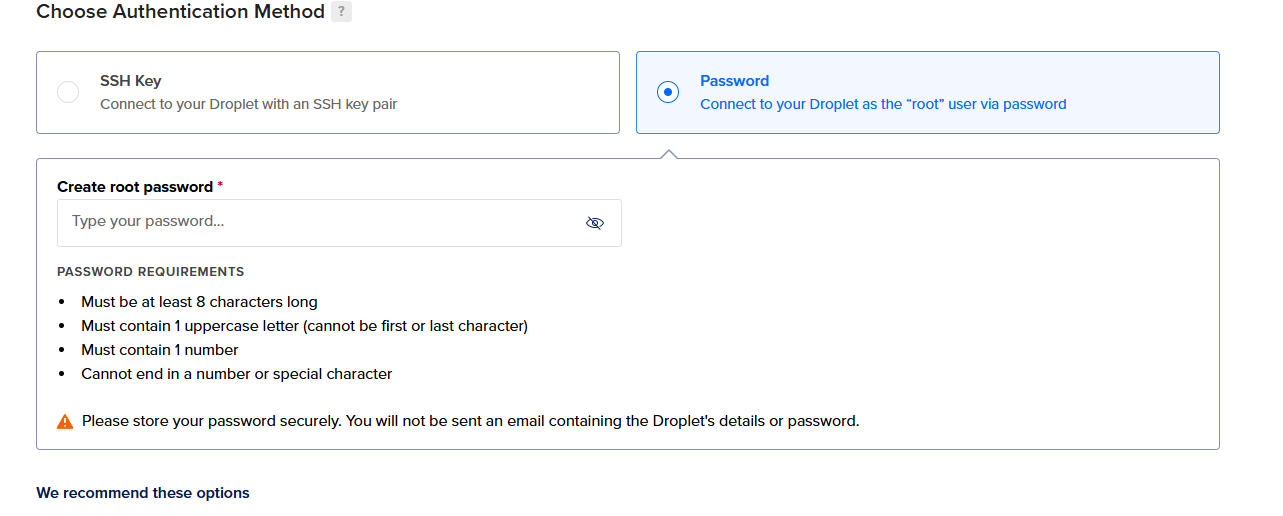
- Next Choose the authentication method, here i choose
Password, for better security you can useSSH Keysinstead, but for simplicity, we will use password.
For Production, we recommend using SSH Keys instead of Password for better security.
if you want to use SSH Keys, you can follow this guide
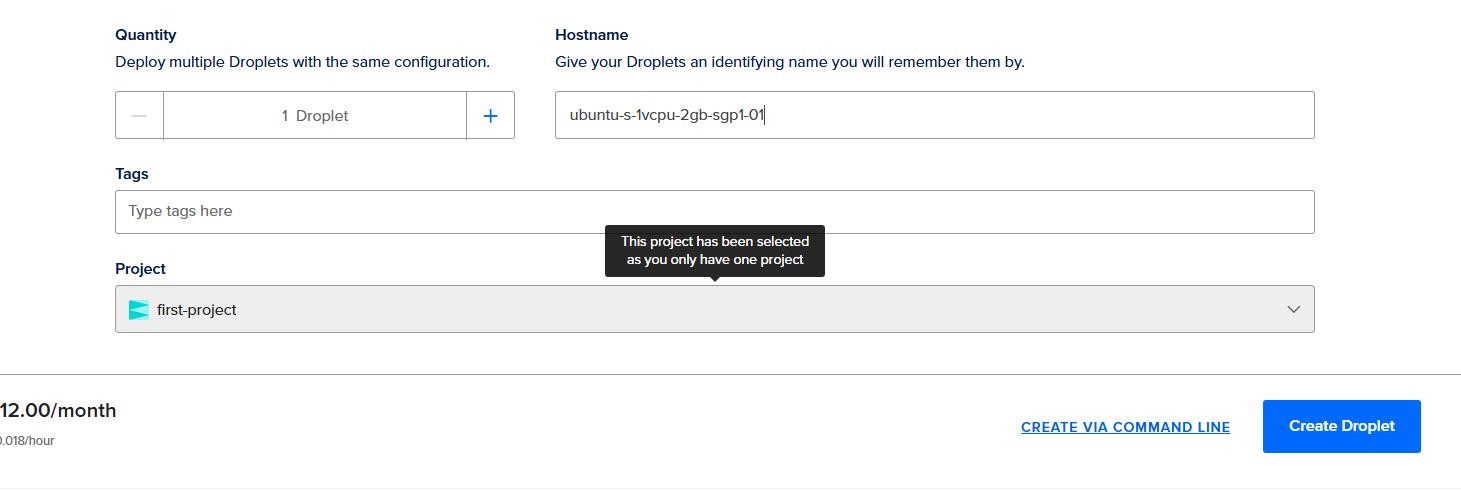
- Next you can change the hostname, here i just leave it as default
-
Finally check everthing, and click on
Create Droplet, it will take a few seconds to create the Droplet. -
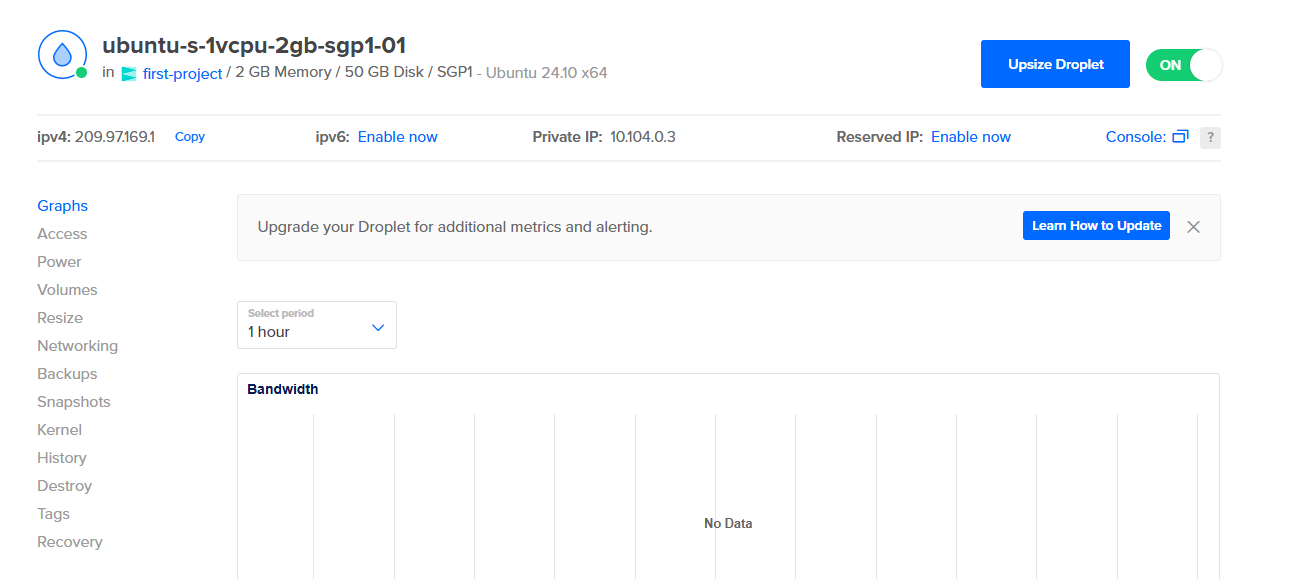
Now you can see your droplet from the Digital Ocean Dashboard.

Step No 2: Connect to your Domain to your Droplet
Now we need to connect our domain, that previously we setup, to our Droplet.
if you are not adding domain to the Digital Ocean domain, you can point your domain from your domain registrar to the Digital Ocean Drople Ip Address, that previously we created.
- Open Digital Ocean Domaain, -> Choose the domain that previously we setup.
- Create
Arecord, and atHostnamefill@, and atWill Direct tochoose the droplet that previously we created.
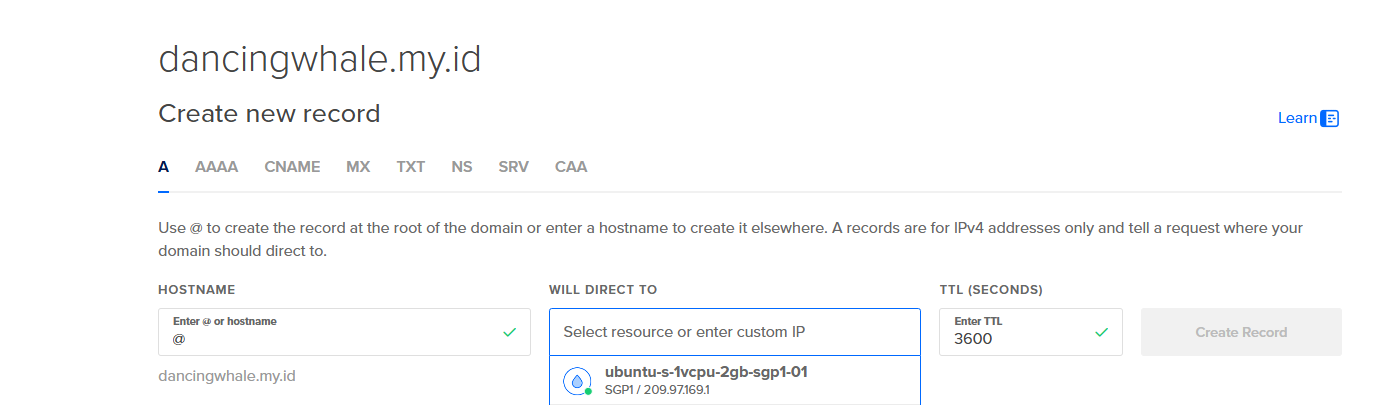
- Click on
Create Record
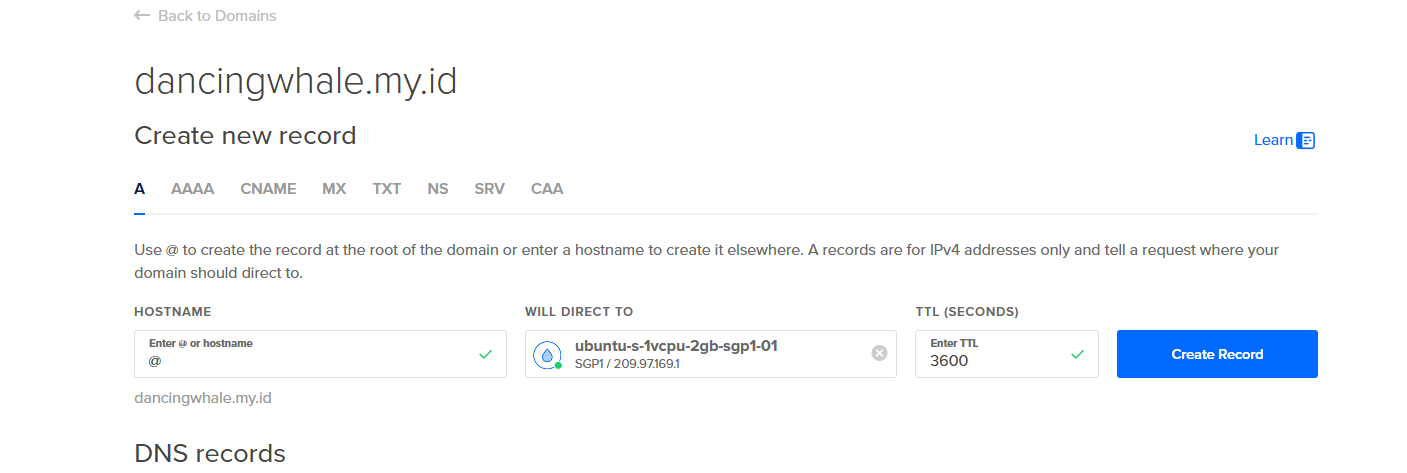
- Now our domain is pointing to the Droplet, later we will use this domain to setup the settings in the Megoolive Admin Dashboard.
Next we setup the Droplet that we just created, and install free ssl for our domain, so we can access the Megoolive Livestreaming Server using https securely.