Install Required Software
After we can connect to our Droplet server, there are some Applications that we need to install on our Droplet to run the Megoolive Livestreaming Server.
- Nginx: A powerful web server that will handle incoming connections and route traffic to our streaming service
- Docker: A platform that lets us run our streaming streaming Application in an isolated container, making it easy to deploy and manage
Install Nginx
We use Nginx to handle incoming connections and route traffic to our Streaming Application, let's install it by running the following command:
sudo apt install nginx
if you get ask to install the dependencies, just type Y and press enter.
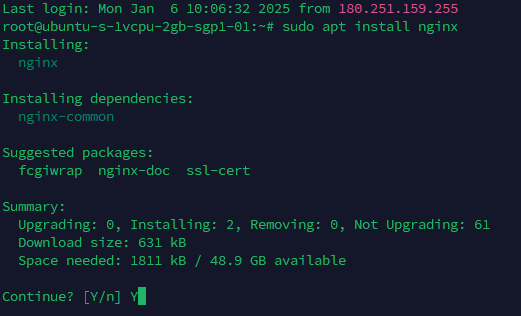
to check if Nginx is installed correctly, we can run the following command:
systemctl status nginx
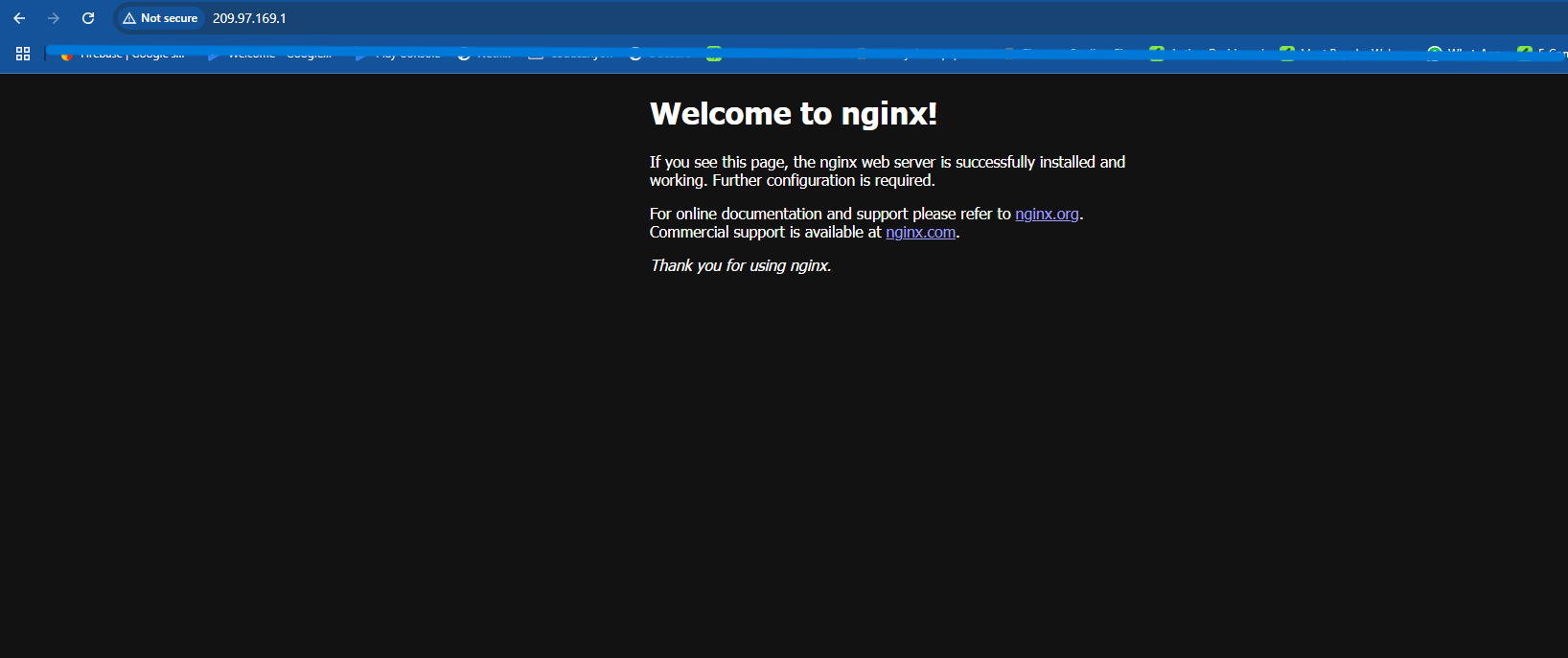
- to make sure Nginx is running, try to open your ip address in your browser, if you see the Nginx welcome page, that means Nginx is running correctly.
Install Docker
Docker is a platform that lets us run our streaming streaming Application in an isolated container, making it easy to deploy and manage.
To install Docker, we can run the following command:
sudo apt install apt-transport-https ca-certificates curl software-properties-common
- Next we will install gpg key for Official Docker Repository
curl -fsSL https://download.docker.com/linux/ubuntu/gpg | sudo apt-key add -
- Next we will add Docker repository to our system
sudo add-apt-repository "deb [arch=amd64] https://download.docker.com/linux/ubuntu focal stable"
- Finally we will install Docker by running the following command:
sudo apt-get install docker-ce docker-ce-cli containerd.io docker-buildx-plugin docker-compose-plugin
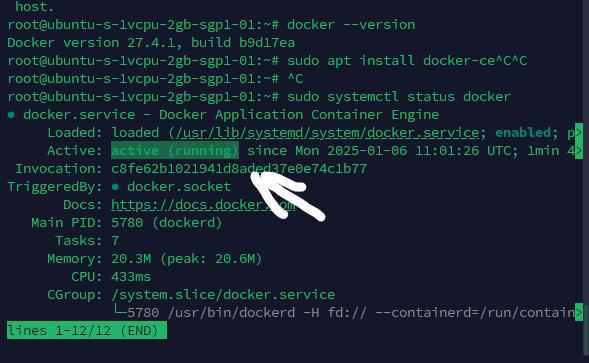
- To make sure Docker is installed correctly, we can run the following command:
sudo systemctl status docker
- Now we have installed all the required software, next we will setup the SSL Domain.